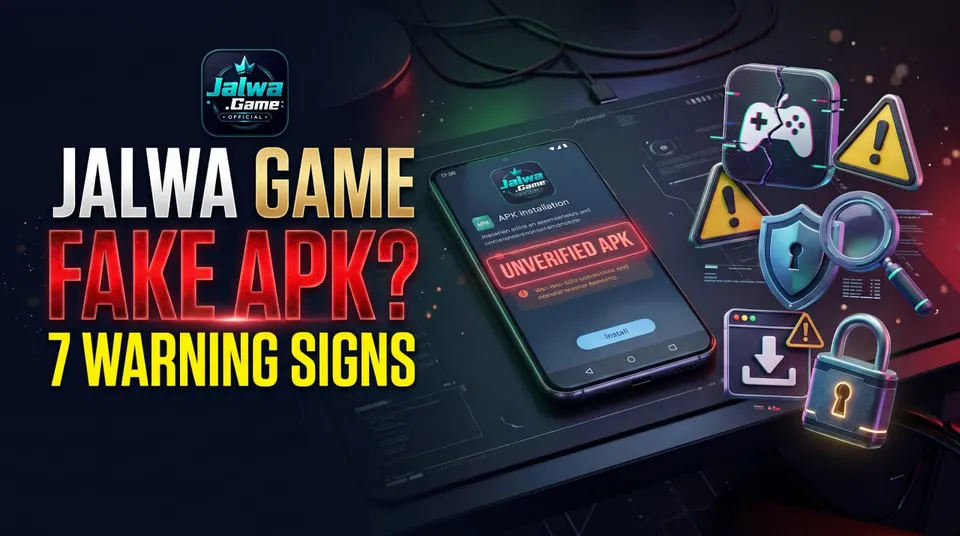
Jalwa Game Fake APK: 7 Warning Signs Before Installing
Not sure whether a Jalwa Game APK is genuine? Discover seven warning signs, unsafe download practices, suspicious permissions and Android safety checks.
In this article
- Jalwa Game Fake APK: 7 Warning Signs Before Installing
- 1. Unknown APK Download Websites
- 2. Unnecessary Android Permissions
- 3. Suspicious Telegram Download Links
- 4. Android Security Warnings
- 5. Requests for Passwords or OTPs
- 6. Unexpected APK Updates
- 7. Missing Developer Information
- Jalwa Game APK Safety Checklist
- What If You Have Already Installed a Suspicious APK?
- Frequently Asked Questions
- Is Every Jalwa Game APK Fake?
- Is Jalwa Game APK Safe to Download?
- Can a Fake APK Steal Personal Data?
- How Can I Recognise a Suspicious APK?
- Conclusion
Jalwa Game Fake APK: 7 Warning Signs Before Installing
Searching for a Jalwa Game APK may lead you to unfamiliar websites, download buttons, and links shared through messaging apps. However, not every file using the Jalwa Game name is necessarily genuine.
Quick Answer: A suspicious Jalwa Game APK may come from an unverified source, request unnecessary Android permissions, or imitate a familiar application. Always check the publisher and download source before considering installation.
For additional information about application sources and verification, read our Jalwa Game App Download Guide.
1. Unknown APK Download Websites
A suspicious website may use familiar logos or claim to provide an official Jalwa Game download without identifying the application developer.
Check the publisher, domain, and source before trusting any download.
2. Unnecessary Android Permissions
An unfamiliar gaming app requesting access to SMS messages, contacts, accessibility services, or sensitive device settings deserves additional scrutiny.
Review requested permissions before allowing access.
3. Suspicious Telegram Download Links
Some messaging groups distribute APK files described as special versions or exclusive updates.
Avoid downloading applications through unknown Telegram or WhatsApp links.
4. Android Security Warnings
Android and Google Play Protect may warn users about potentially harmful applications.
Do not automatically ignore these alerts.
A familiar application name does not guarantee that its installation file is safe.
5. Requests for Passwords or OTPs
Unknown download pages asking for account passwords, one-time passwords, or banking information should be treated as serious warning signs.
Never provide sensitive credentials to an unverified source.
6. Unexpected APK Updates
Be cautious if an application unexpectedly directs you to download another APK from an unrelated website.
Verify whether the update comes from a legitimate publisher.
7. Missing Developer Information
A trustworthy application source should provide identifiable publisher details and relevant privacy information.
If the developer cannot be independently verified, avoid assuming the application is genuine.
Jalwa Game APK Safety Checklist
| Security Check | What to Verify |
|---|---|
| Download source | Recognised, verifiable publisher |
| App permissions | Appropriate access requests |
| Developer details | Consistent publisher identity |
| Security warnings | No unresolved serious alerts |
| Website domain | No suspicious imitation |
| Updates | Verified distribution source |
To understand the wider context of Jalwa-related gaming terminology, explore our Jalwa Colour Trading Guide.
What If You Have Already Installed a Suspicious APK?
If you suspect that an application is malicious:
- Disconnect from the internet if active compromise is suspected.
- Uninstall the suspicious application where possible.
- Run a trusted Android security scan.
- Review account activity and app permissions.
- Change affected passwords using a trusted device.
- Contact your bank immediately if financial information may be compromised.
Frequently Asked Questions
Is Every Jalwa Game APK Fake?
No. APK is a standard Android application package format. However, the authenticity of a specific application must be independently verified.
Is Jalwa Game APK Safe to Download?
Its safety cannot be determined from the filename alone. The publisher, distribution source, requested permissions, and security status all matter.
Can a Fake APK Steal Personal Data?
Yes. Malicious applications can attempt to access personal information or misuse device permissions.
How Can I Recognise a Suspicious APK?
Look for unverified publishers, unexpected permissions, unusual download redirects, and serious Android security warnings.
Conclusion
A familiar name or attractive download page does not prove that an Android application is trustworthy.
Before installing a Jalwa Game APK, verify its origin, publisher information, permissions, and security warnings.
For more educational resources, visit GoJalwa Game.
Disclaimer: This article provides general cybersecurity information and does not verify or endorse a particular Jalwa Game APK or gaming service.